
Docs/Realtime WebSocket Quickstart
Realtime WebSocket Quickstart
Validate OptionData WebSocket parsing in test mode, then connect to the authenticated realtime option-trades stream with safe retry behavior.
Open product page →View as Markdown
Ask ChatGPT or Claude Code
Copy this prompt, paste it into ChatGPT, Claude, Claude Code, Cursor, or Codex, then add your question. It tells the model to read our public docs first — no API key needed for that step.
You are helping me use OptionData (https://www.optiondata.io/), an OPRA-licensed U.S. equity options data API.

Before answering, fetch these public files (no login required) and treat them as the source of truth:
- https://www.optiondata.io/llms.txt — short product map (same content as https://www.optiondata.io/llm.txt)
- https://www.optiondata.io/llms-full.txt — full API reference
- https://www.optiondata.io/openapi.json — HTTP OpenAPI

Do not invent endpoints, fields, tables, or limits. Prefer `Authorization: Bearer apikey_…` for HTTP APIs. Realtime uses `wss://ws.optiondata.io` with a `token` query parameter.

Products:
- Realtime trades WebSocket: wss://ws.optiondata.io
- Historical SQL: POST https://www.optiondata.io/api/historical/sql
- Option chain: POST https://www.optiondata.io/api/option-chain
- Market structure: GET https://www.optiondata.io/api/v1/market-structure/{symbol}

I am asking about: Realtime WebSocket Quickstart
- Markdown: https://www.optiondata.io/md/realtime-websocket-quickstart/
- HTML docs: https://www.optiondata.io/docs/realtime-websocket-quickstart/

My question:
Use test mode first to validate your WebSocket client without an API key, then switch to the authenticated live stream.
1. Validate the client in test mode
Connect to:
wss://ws.optiondata.io?test_mode=true&aggregation_mode=AGGREGATED&symbols=AAPL
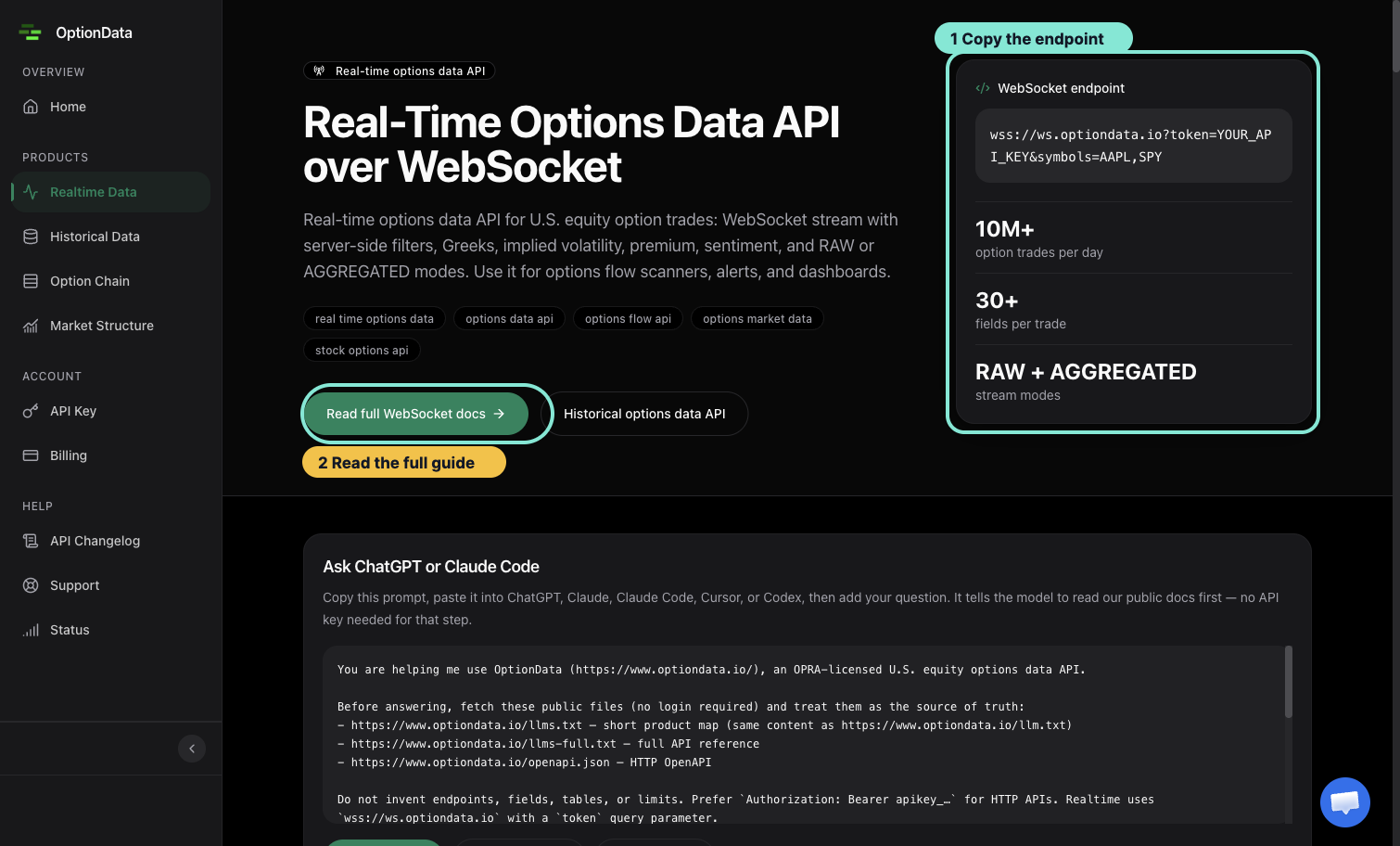
The product page exposes the endpoint and links to the full filter and response reference.
Test mode sends a finite sample snapshot and closes the connection. It proves that your client can connect, parse messages, and handle closure; it does not prove subscription entitlement or live market data.
2. Connect with Node.js
Install the WebSocket package:
npm install ws
Store your key in OPTIONDATA_API_KEY, then run:
import WebSocket from 'ws';

const token = process.env.OPTIONDATA_API_KEY;
if (!token) throw new Error('OPTIONDATA_API_KEY is required');

const params = new URLSearchParams({
  token,
  symbols: 'AAPL,SPY',
  aggregation_mode: 'AGGREGATED',
});

const ws = new WebSocket(`wss://ws.optiondata.io?${params}`);

ws.on('open', () => console.log('Connected'));
ws.on('message', (raw) => {
  const message = JSON.parse(raw.toString());
  console.log(message);
});
ws.on('close', (code, reason) => {
  console.log('Closed', code, reason.toString());
});
ws.on('error', (error) => console.error('WebSocket error', error.message));
Do not log the full connection URL because it contains the API key.
3. Interpret the handshake
- HTTP
101means the WebSocket upgrade succeeded. - HTTP
401means the token is missing, invalid, or stale. - HTTP
403means the customer was recognized but lacks active/trialing entitlement. - HTTP
429means the token reached a connection or rate limit; honorRetry-After.
Each token supports up to five concurrent WebSocket connections. Reuse connections and apply exponential backoff rather than opening connection loops.
During closed market hours, a successful live connection can have little or no new trade traffic. Connection success and message volume are separate checks.
For every filter and response field, use the Realtime Option Trades API reference.